 PolyNome®
01
Start with the songs you already have.
Import a photo of a paper setlist or a Spotify or Apple Music playlist. Use automatic tempo lookup to build the starting point for your show.
MORE THAN A METRONOME / MY NEXT GIG
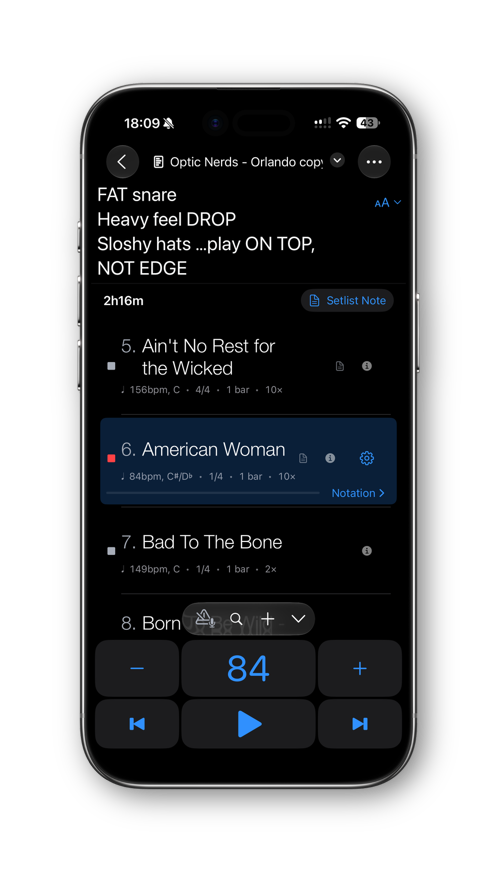
Bring the songs, tempos, count-ins and notes together. Prepare the details before you step on stage.
Get PolyNome ↗iPHONE · iPAD · MAC
SOUND FAMILIAR?
01
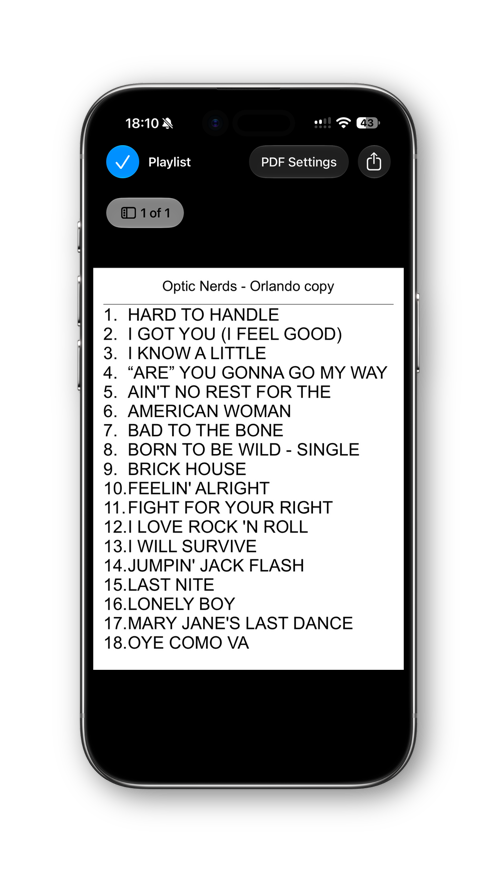
Import a photo of a paper setlist or a Spotify or Apple Music playlist. Use automatic tempo lookup to build the starting point for your show.
02
Keep tempos, count-ins and notes with each song. Choose a count-in or prepare a full click track with voice cues for the sections you need.
03
Arrange your running order and create a printable setlist PDF. You can also use Live Tempo after a count-in to see how the band’s tempo changes during a performance.